
Tutorials & Quick Start
Watch the video series or follow the quick-start guide below — you'll have your first professional site report in about ten minutes.
The fastest way to learn Site Report Expert is our video tutorial series — tap any video to play it right here, or open it on YouTube.
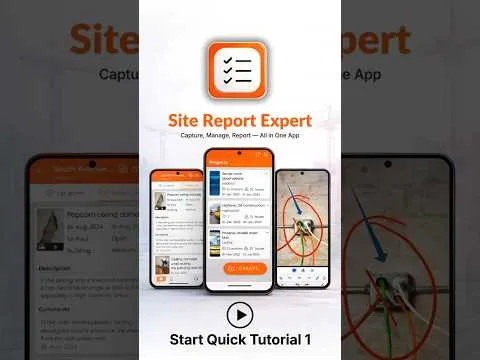 1:15
#1: Getting started with projects
Create your first project with client details and job reference.
1:15
#1: Getting started with projects
Create your first project with client details and job reference.
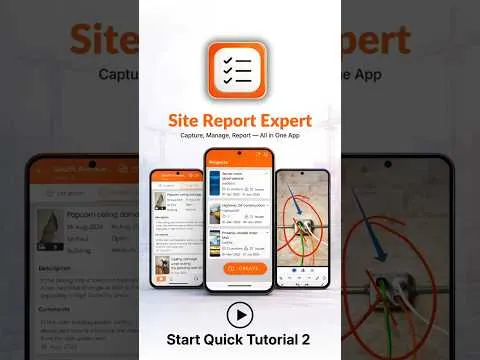 2:11
#2: Site audits: add locations & snags
Set up buildings, floors and rooms, and log your first snags with photos.
2:11
#2: Site audits: add locations & snags
Set up buildings, floors and rooms, and log your first snags with photos.
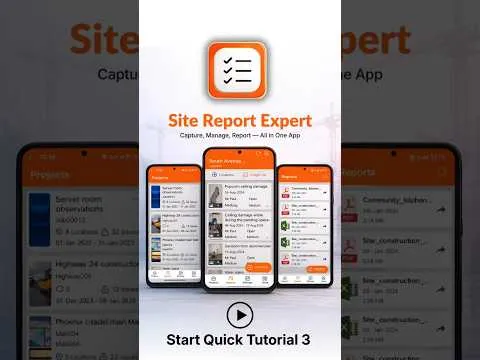 1:39
#3: Create PDF & Excel reports
Turn your snag list or site inspection into a branded PDF or XLSX report.
1:39
#3: Create PDF & Excel reports
Turn your snag list or site inspection into a branded PDF or XLSX report.
 2:35
#4: Settings, reports & workflow customization
Configure report fields, cover pages, custom wording and more.
2:35
#4: Settings, reports & workflow customization
Configure report fields, cover pages, custom wording and more.
 1:34
#5: Team collaboration across devices
Share projects with teammates and merge findings into one report.
1:34
#5: Team collaboration across devices
Share projects with teammates and merge findings into one report.
 6:53
#6: Full app overview
One tour of everything: site audits, snag lists, punch lists and home inspection reports.
6:53
#6: Full app overview
One tour of everything: site audits, snag lists, punch lists and home inspection reports.
Quick start: your first report in 10 minutes
- Create a project. Open the app, tap Create on the Projects screen and enter the job name, client and reference.
- Add locations. Add the buildings, floors or rooms you'll inspect — or import a floor plan to pin issues onto.
- Capture issues. Walk the site; for each issue take photos, mark them up, set a status and priority, and assign it.
- Generate the report. Go to the Reports tab, pick your project and theme, choose PDF or Excel, and tap Generate.
- Share it. Send the finished report by email or WhatsApp — straight from your phone.
More help
- Step-by-step answers for common tasks are in the FAQ.
- See what each screen looks like in the screenshot gallery.
- Questions we haven't covered? Contact us.